Wedding
All your guests' wedding photos in one place
Your photographer captures the big moments. The small ones are on your guests' phones — and that is usually where they stay.
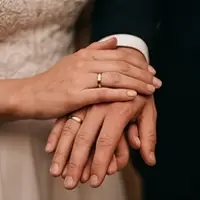
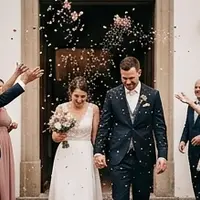










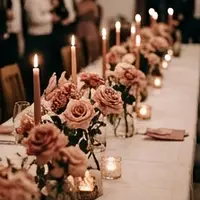

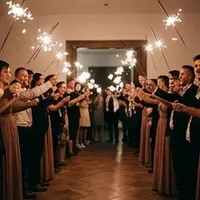

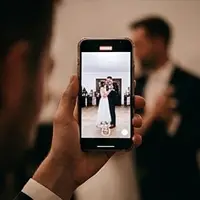

It is the same after every wedding: twelve photos turn up in the WhatsApp group, and the rest are scattered across fifty phones. Anyone not in the group sends nothing at all. And whatever does arrive has been squashed to an eighth of its size — WhatsApp shrinks every picture before it goes out.
A QR code on the tables does away with both. Guests scan it with their camera, enter their name and upload. No app store, no account, no password — even the aunt who never installs anything joins in. You can download everything in full resolution, exactly as the phones captured it.
What you get is a second view of your day: the kids under the table, the dance on the chair, the photo at half past two that no photographer took, because he had gone home hours ago.
The QR code on the table
We provide a ready-made table sign to print — for place cards, the guest book or next to the photo booth. If you like, you can also show the pictures live on the screen in the venue; in our experience, that is the moment the rest of the party joins in.
In your wedding colour
Dusty rose, eucalyptus, burgundy: you choose the colour of your wedding, and the gallery takes it on — from the table sign to the view on your guests' phones.
The clock starts with the first photo
You can set up the gallery months before the big day. The storage period only begins when the first photo arrives — book in January, marry in September, and you lose not a single day to an empty gallery.
The right plan
unlimited files, 12 months · 99 € incl. VAT
Unlimited guests, photos and videos in full resolution and any length — both count towards the same allowance. Download as often as you like.
See all plansDo my guests need to install an app?
No. Guests scan the QR code with their phone camera and land straight in the browser. No store, no account, no password — they just enter their name once so everyone can see whose photos are whose.
Can strangers see the photos?
Only people with the link get in — the address contains a random part and can't be guessed. If you want to be extra sure, set a four-digit access code. Search engines are excluded.
What quality do I get the pictures in?
Downloads come in full original resolution, exactly as the phone took them. In the gallery itself we show smaller versions — that saves your guests' data and keeps browsing fast.
Can I show the pictures on a big screen?
Yes, that's what projector mode is for. It shows the party's pictures full screen, new ones jump to the front, and the QR code stays visible in the corner — in our experience that's the best way to get even more guests joining in.
How do I share the pictures with my guests afterwards?
You don't have to — the same gallery they upload to does it. It works both ways: after scanning, every guest sees all the pictures from the party, not just their own, and can download them one by one or all at once. So there is nothing to send around, no link to forward and no pictures to drop into a WhatsApp group. Anyone who hears about it after the party scans the same code.
Does this replace a photo booth?
No, it sits alongside one. A photo booth produces posed pictures in one spot — props, good lighting, a print to take home. Fotorium collects what happens everywhere else all evening: on the dance floor, at the table, outside the door. If you have both, put the QR code next to the booth and everything ends up in the same gallery. If you have to choose, the digital version gives you far more perspectives and much less setup — but no props and no instant print.